


How to Create a Digital Business Card in 5 Minutes
If you’ve ever exchanged contact details at an event, over a video call, or through a quick introduction, you already know how fragile paper business cards are. They get lost, forgotten, or outdated almost immediately.
A digital business card solves this by letting you share a single, always-updated profile that works anywhere. If you’re still exploring the basics, this guide explains what a digital business card is and why static cards are becoming obsolete.
Creating one doesn’t require design tools, printing, or an app. This step-by-step guide shows how to create a digital business card in five minutes and start sharing it instantly.
What Is a Digital Business Card?
A digital business card is an online version of a traditional business card that lives on the web. It typically includes your contact details, professional links, and optional media, all accessible through a link, QR code, or NFC tap.
Unlike paper cards, digital business cards:
- Can be updated anytime
- Work across devices and platforms
- Are easy to save directly to a phone
- Support both in-person and remote sharing
If you want to optimize your card beyond the basics, it also helps to understand what to include on a digital business card so people know exactly how to follow up.
Step 1: Add Essential Contact Information
Start with the information people actually need to contact you.
At a minimum, include:
- Full name
- Job title or role
- Company or personal brand
- Email address
- Phone number
This is the foundation of your digital business card. Clear, accurate details make it easier for someone to follow up later.
Step 2: Upload a Professional Profile Photo
A profile photo increases trust and recognition, especially when someone reviews your contact later.
Best practices:
- Use a recent, well-lit headshot
- Keep the background simple
- Match your professional tone or industry
Even a simple photo can significantly improve how your digital card is perceived.
Step 3: Add Relevant Links and Actions
One of the biggest advantages of a digital business card is flexibility.
Common additions include:
- LinkedIn or professional social profiles
- A personal website or portfolio
- A meeting scheduling link
- Highlighted work or featured content
Only include links that help the recipient understand what you do or make the next step easy. Avoid overcrowding your profile.
Step 4: Generate a QR Code or Shareable Link
Once your card is set up, sharing becomes effortless.
Most digital business cards support:
- A unique shareable URL
- A QR code that opens instantly when scanned
- NFC sharing on supported devices
Each option works best in different situations. If you’re deciding between tap-based and scan-based sharing, this breakdown of NFC vs QR code digital business cards explains when to use each.
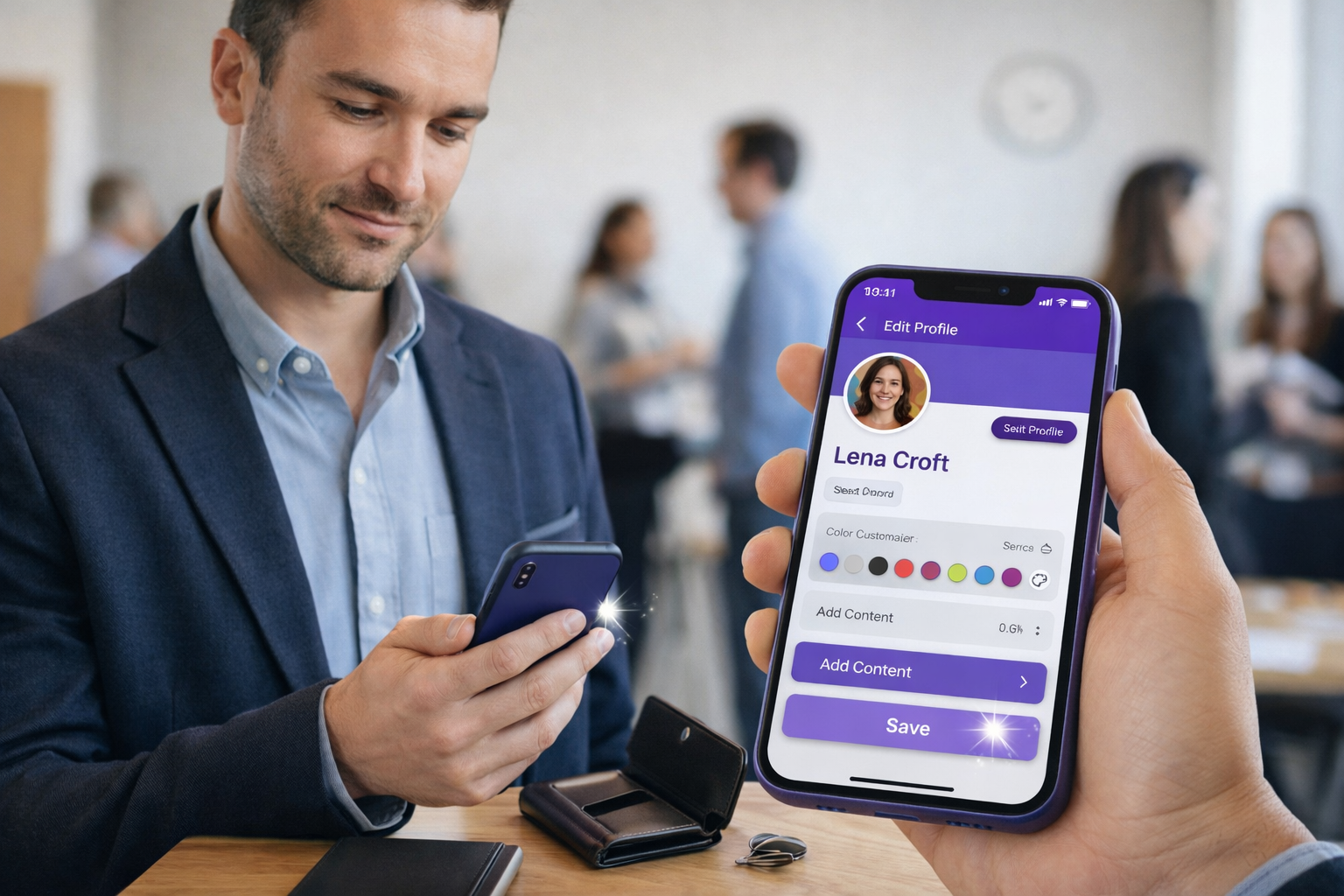
Step 5: Save and Share Instantly
Your digital business card can be saved directly into a phone’s contacts, bookmarked for later, or stored in a mobile wallet for quick access.
From here, sharing your details takes seconds:
- Show a QR code
- Send a link
- Tap an NFC card or device
Some professionals even store multiple cards in their wallet for different contexts, such as events, work, or personal networking.
Best Practices for High-Impact Digital Business Cards
To get the most value from your digital business card, keep these principles in mind:
- Keep the layout clean and easy to scan
- Avoid overwhelming people with too many links
- Update your information regularly
- Use consistent branding where possible
- Make saving your contact simple
These small details improve follow-ups and long-term usefulness.
Who Should Use a Digital Business Card?
Digital business cards are useful for:
- Professionals attending networking events
- Founders and freelancers meeting clients
- Sales and recruiting teams
- Remote workers and consultants
- Anyone replacing traditional paper cards
They adapt easily to both in-person and online interactions.
Frequently Asked Questions
How long does it take to create a digital business card?
Most digital business cards can be created in under five minutes by adding basic contact details and a few links.
Do digital business cards work on all phones?
Yes. Digital business cards are typically accessed through a web browser, making them compatible with both iOS and Android devices.
Do I need an app to use a digital business card?
No. Many digital business cards work entirely through a browser and can be shared using a link or QR code.
Can someone save my digital business card to their contacts?
Yes. Digital business cards are designed so recipients can easily save your information directly to their phone.
Can I update my digital business card later?
Yes. One of the main advantages of digital business cards is that you can update your information at any time without re-sharing a new card.
Are digital business cards better than paper business cards?
Digital business cards offer more flexibility, easier sharing, and updates without reprinting, making them a practical modern alternative for many professionals.
Conclusion
Creating a digital business card takes only a few minutes and removes many of the limitations of traditional paper cards. With a single profile, you can share your information instantly, keep it up to date, and make networking simpler wherever it happens.
As digital networking becomes more common, having a flexible, easy-to-share business card is quickly becoming the standard.
Next article: What to Include on a Digital Business Card